
Documentation
Task suites
| Suite | Focus | Tasks | Levels |
|---|---|---|---|
| Mind | Memory, goal selection, and task-level planning. | 10 | Easy · Medium · Hard |
| Act | Timely, precise, and stable physical execution. | 10 | Easy · Medium · Hard |
| Mind2Act | Reasoning and execution coordinated through feedback. | 10 | Easy · Medium · Hard |
| Total | Three complementary suites | 30 | 90 task–level configurations |
Instructions and demonstrations
Select a task from the catalog to open its demonstration page.
Switch between Easy, Medium, and Hard to view the corresponding video and instruction.
The instruction panel describes the task operation.
Only the E2 Hard demonstration is pending; all other added task levels have videos available.
Open an example task ↗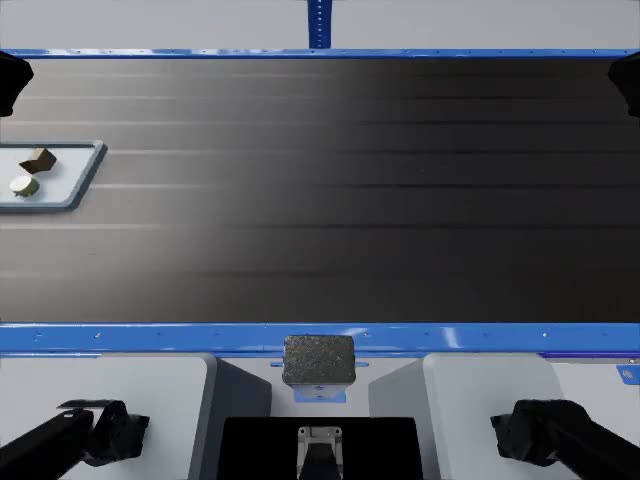
Instruction
Observe each batch of items. In each batch after the first, place the one item that appeared in an earlier batch into the submission tray.
Evaluation material
The leaderboard preserves the original 15-task result snapshot; results for the added tasks are not yet reported. Unreported results are marked with a dash.
Read task specifications ↗ View leaderboard ↗